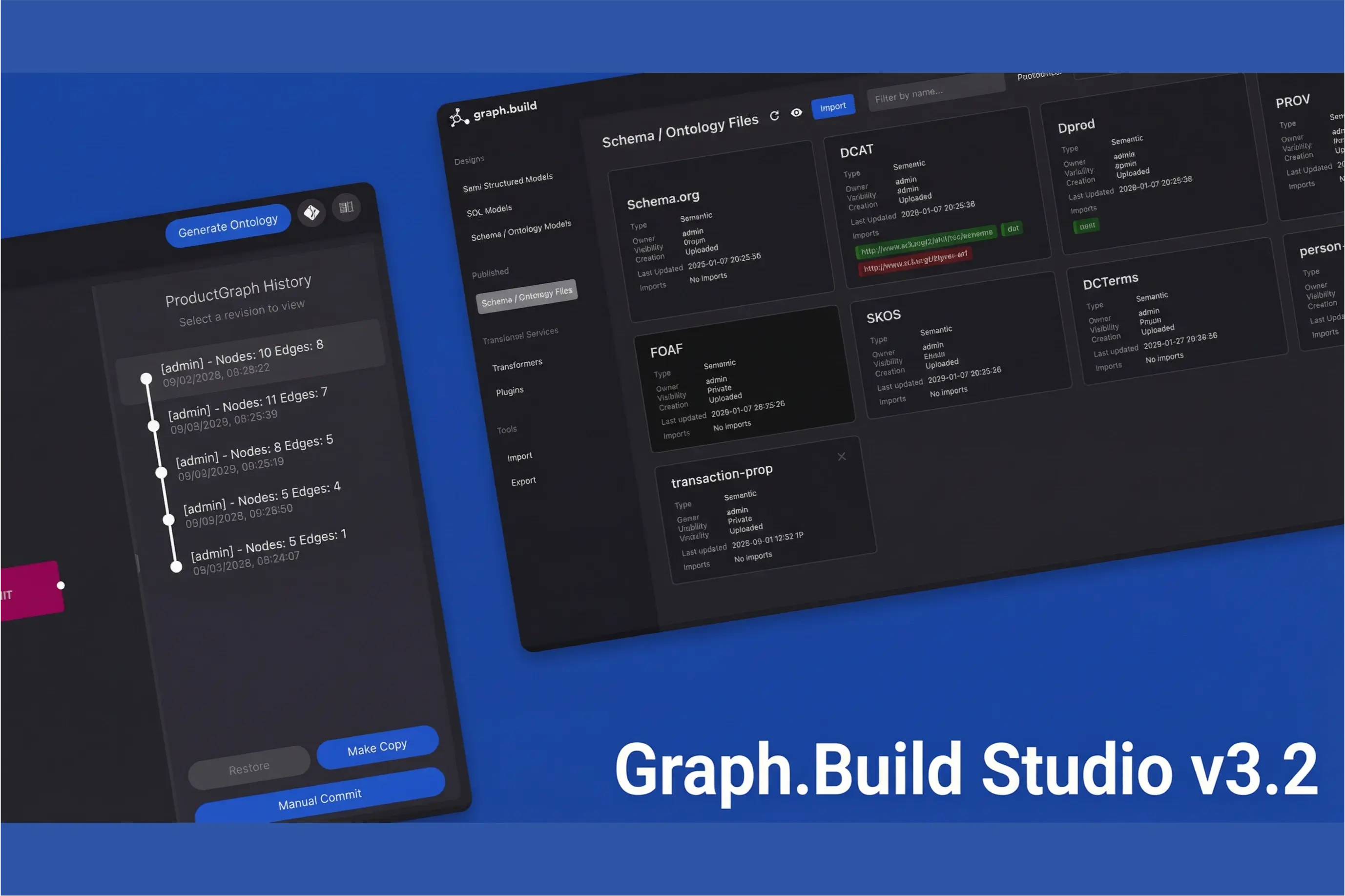
Studio v4.0 is out today, along with v2.9 of the Semi-Structured Transformer, SQL Transformer and Graph Writer.
Three changes shape this release. The first is AI inside Studio: an assistant that works on your designs, and an MCP server that connects your own AI tools to your models. The second is projects, for better organisation and collaboration, so several teams can share one installation without getting in each other's way. The third is modular ontologies, which let you split a large ontology into smaller modules that are easier to design.
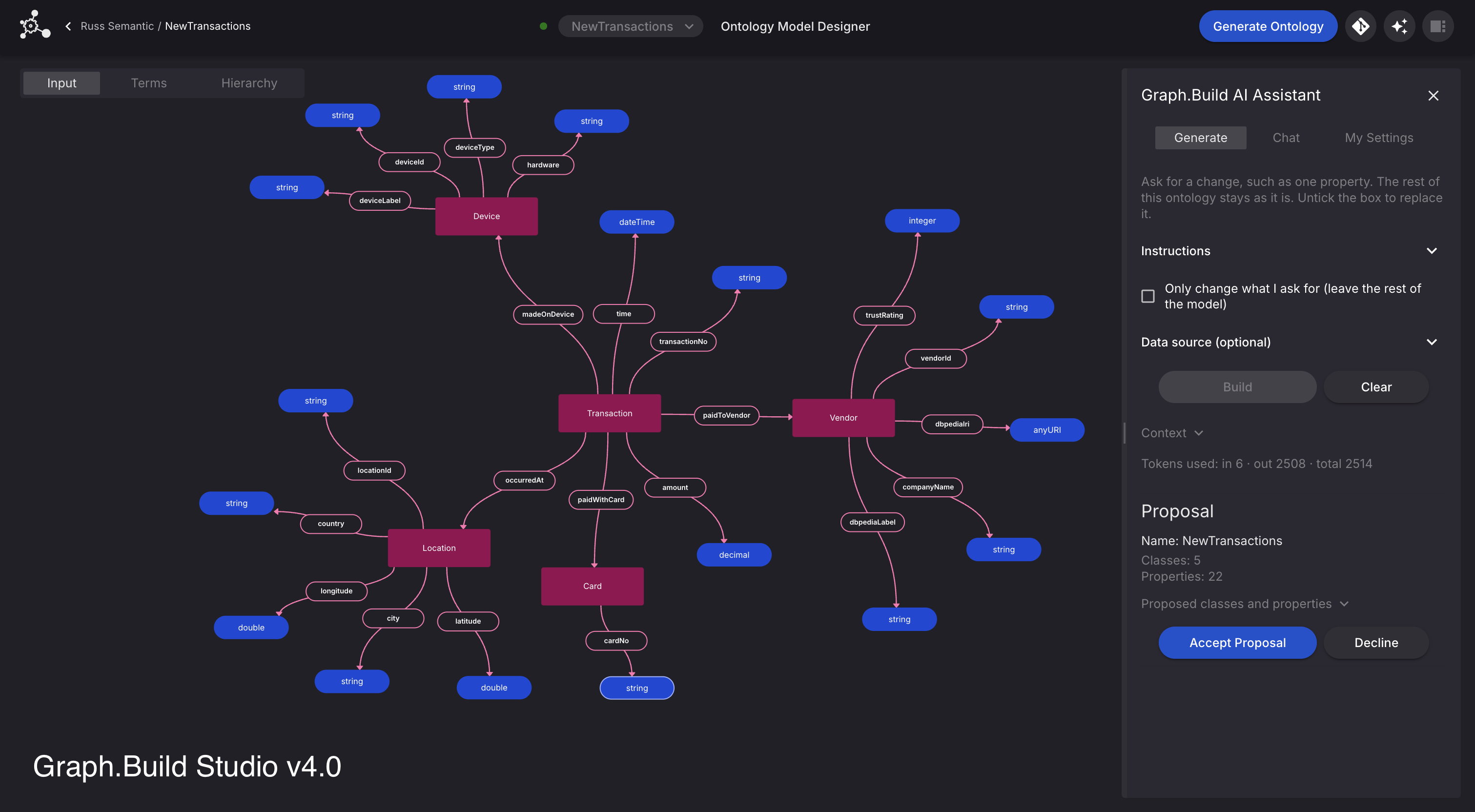
An assistant that works with your model designs
The AI Assistant has two modes.
Chat answers questions about your models and saved ontologies. It can also answer questions about the Transformers and Studio itself by directly using our documentation.
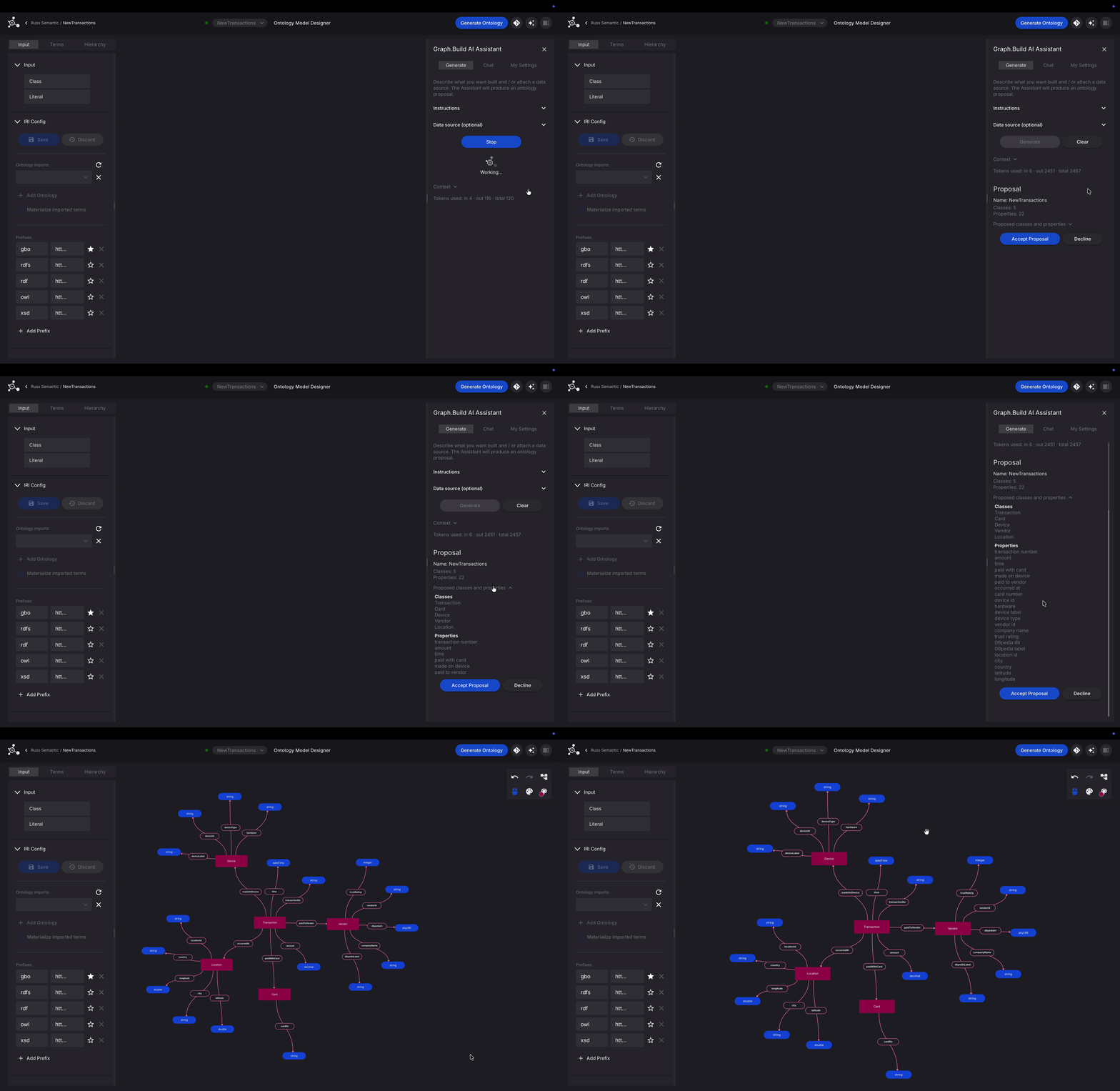
Generate builds or edits whatever design you have open. That might be an ontology, a property graph schema, or the mapping that turns your source data into graph data.
Generate gives you a first draft, where you check what it produces against your data, where the modelling decisions are still yours. What it saves you is starting from nothing.
You pick the provider, set a daily token limit and guardrails, and decide whether source data gets sent. On AWS Bedrock, the assistant uses the credentials of the environment Studio runs in, so calls go through your own AWS account. Anthropic and OpenAI use your own API key, and individual users can add personal keys too.
An MCP server for your AI tools
Studio now includes an MCP server. Any AI client that supports MCP can connect to it and:
- explore your ontologies
- read the projects you can open
- create or edit ontology designs
- create or edit the mapping for a structured-file or SQL model
If your team already uses an AI assistant, it can now work with your knowledge graph model directly, and it only sees the projects you have access to.
Projects
Everything for a piece of work now lives together in one project: its models, published ontologies and schemas, files, database connections and design history.
That makes it much easier to run several pieces of work side by side. Each team or engagement gets its own space, so work on one model doesn't get tangled up with another. You share a project with the people who need it, and nobody else has to wade through it. When someone new joins, they open the project and find everything in one place instead of searching one long list of models.
Modular ontologies
A large ontology is hard to design as one block. Studio 4.0 lets you split it into modules: smaller parts that each cover one area of the domain and together make up the larger ontology.
You design each module on its own, which keeps the work focused and lets different people look after different parts. Modules can also be shared on their own, so you can give someone one part without sharing the rest of the project.
Semi-Structured Transformer, SQL Transformer and Graph Writer v2.9
A smaller release alongside Studio: compatibility with Studio v4.0, and support for Azure Blob Storage.
Getting 4.0
If you're already a customer, we'll be in touch about upgrading.
If you're new to Graph.Build, book a demo and tell us what data you're working with. We'll show you 4.0 running on something close to it.