Blog
The work of building a knowledge graph
Modelling arguments, the transforms that make them real, and the decisions that do not fit in a docs page. Written by the people who build the platform, which is why they go further into the mechanism than a product blog usually does.
How To Build An Amazon-Scale Knowledge Graph for GraphRAG
How Graph.Build turned 43.9 million Amazon reviews into a governed Memgraph knowledge graph in a day, and why the model mattered more than the volume.
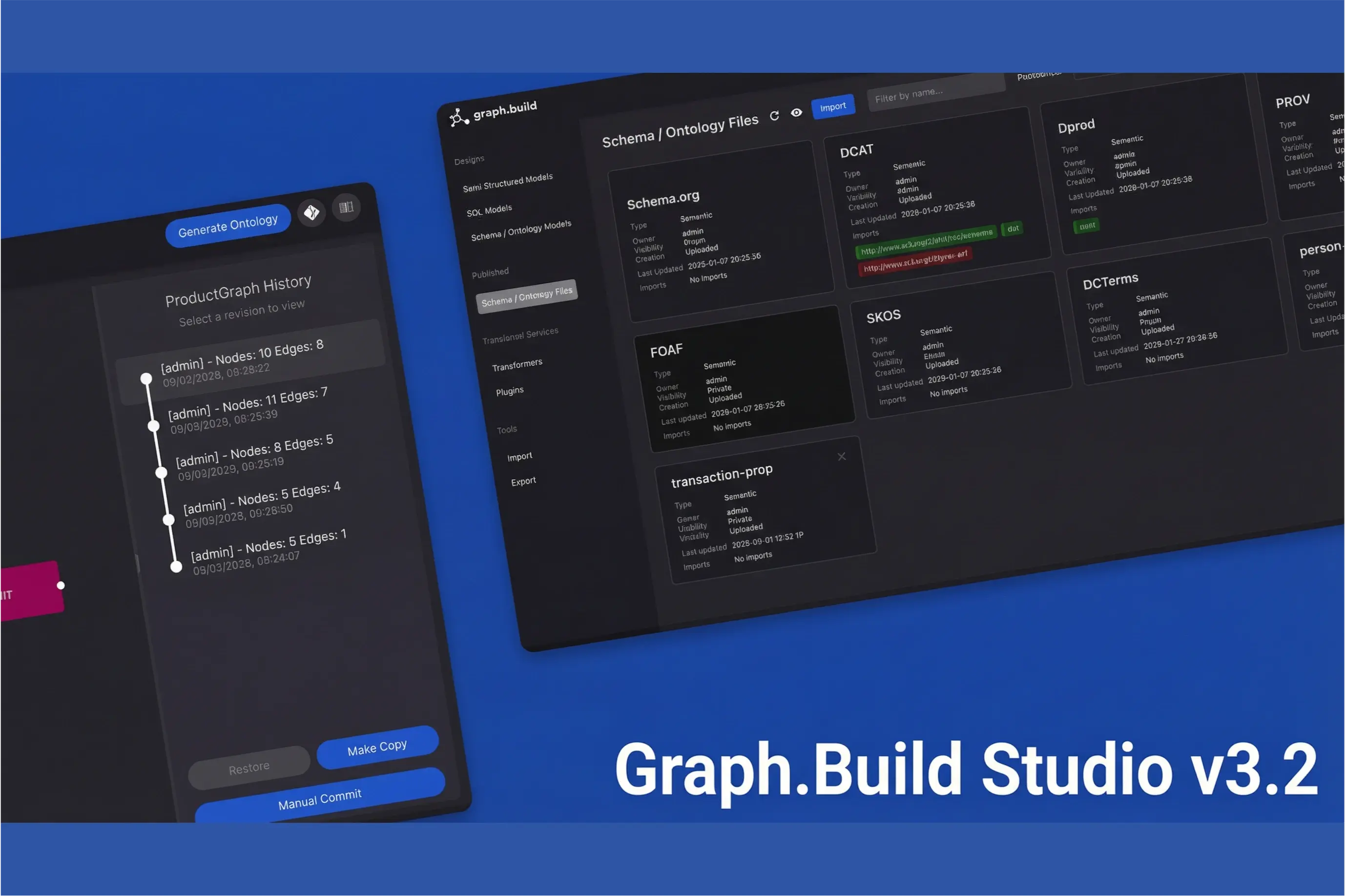
Introducing Graph.Build Studio v3.2
graph.build Studio v3.2 is a major update that expands the platform’s capabilities for designing, transforming, and managing both semantic (RDF) and property graph (LPG) models.
.png)
Graph Virtualization vs Graph Materialization: Choosing the Right Approach for Your Data
Two approaches dominate the conversation about working with data: graph virtualization and graph materialization. Graph.Build provides the flexibility to use either.
.png)
Introducing the Latest Feature Release from Graph.Build
This release brings powerful new features. These updates are designed to make graph data integration and modelling faster, more intuitive, and accessible.

Introducing Graph.Build Studio v2.1
Graph.Build have released version 2.1 of the Graph.Build Studio - featuring RDF Data Synthesization, Enhanced Features for LPG, and Model Import / Export Capabilities.

What is The Knowledge Graph Conference?
The Knowledge Graph Conference (KGC) is one of the highlights of the year for knowledge graph professionals. A chance to hear about the latest developments

Knowledge Graph Conference 2023
Richard Loveday will be speaking at the Knowledge Graph Conference 2023 in May at Cornell Tech in NYC. In the talk he will demo Graph.Build's capabilities.
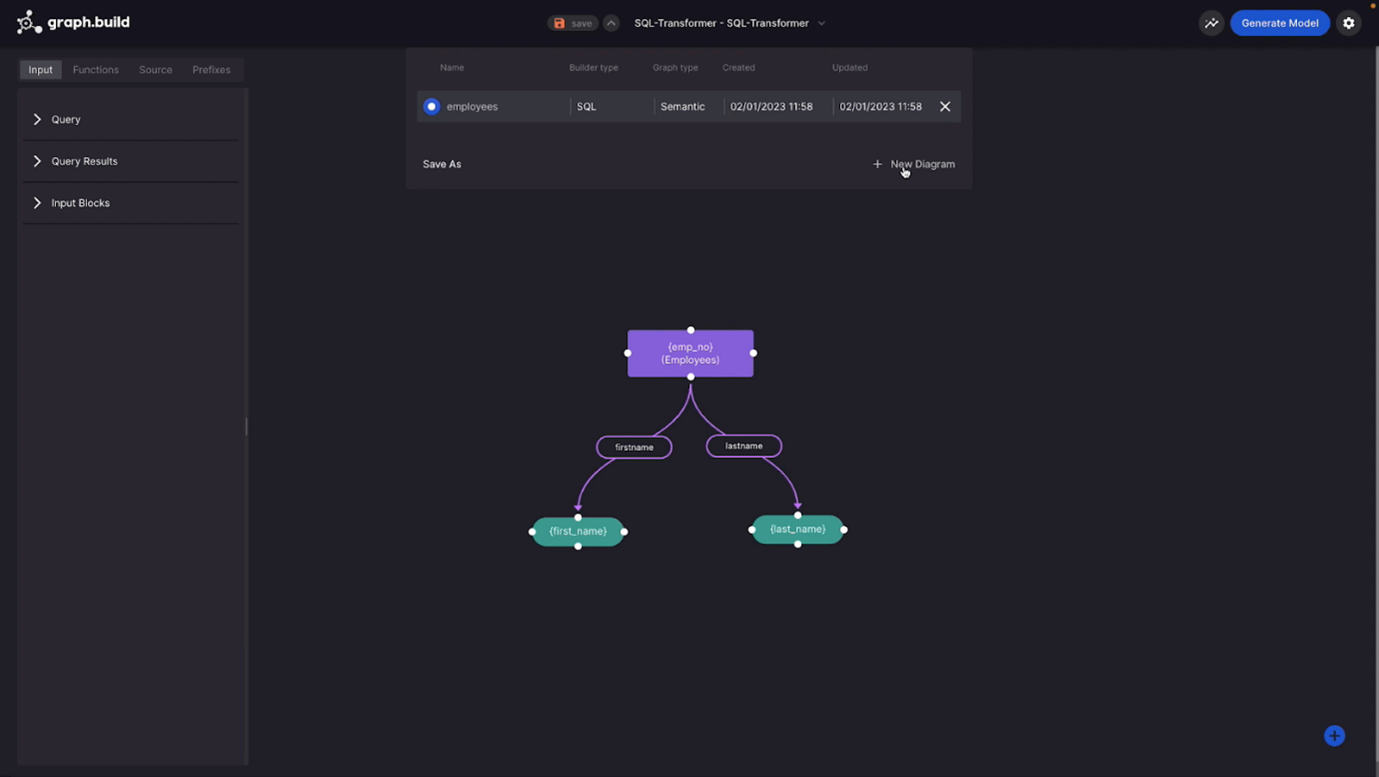
Navigating the Complexities of Knowledge Graph Creation
This step by step guide shows you how to build a knowledge graph. It covers the traditional way and the new, automated way. Use new technology for speed.

Convert Data From Multiple Tables To RDF Using The SQL Transformer
In our blog The fastest way to convert your data to RDF I went through the suite of DataLens ETL products and walked through using the...
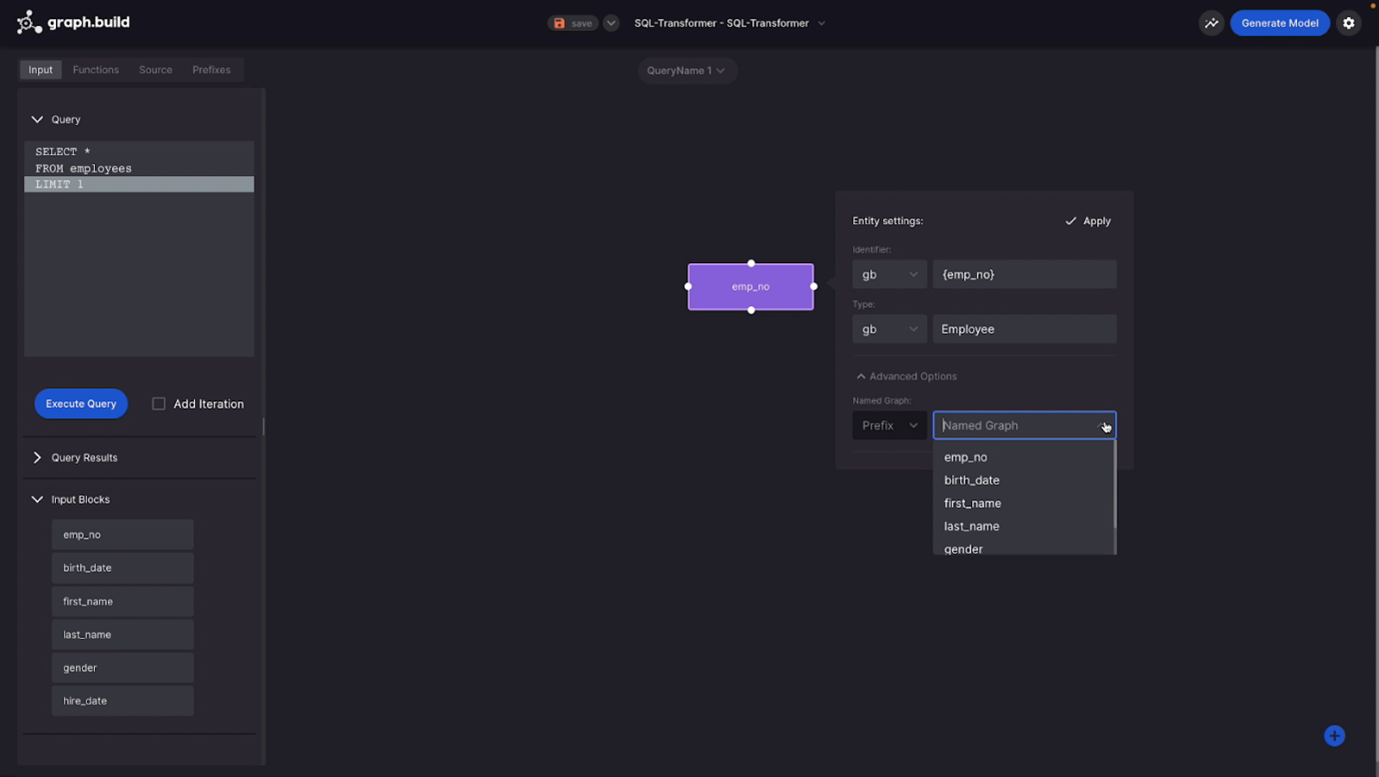
Creating a Knowledge Graph (or any Graph) Model without Coding
This is a step-by-step example of how to create a knowledge graph model, or any other graph model, using the Graph.Build no-code Studio solution.